How to turn on Your day
Every controller0:455 steps
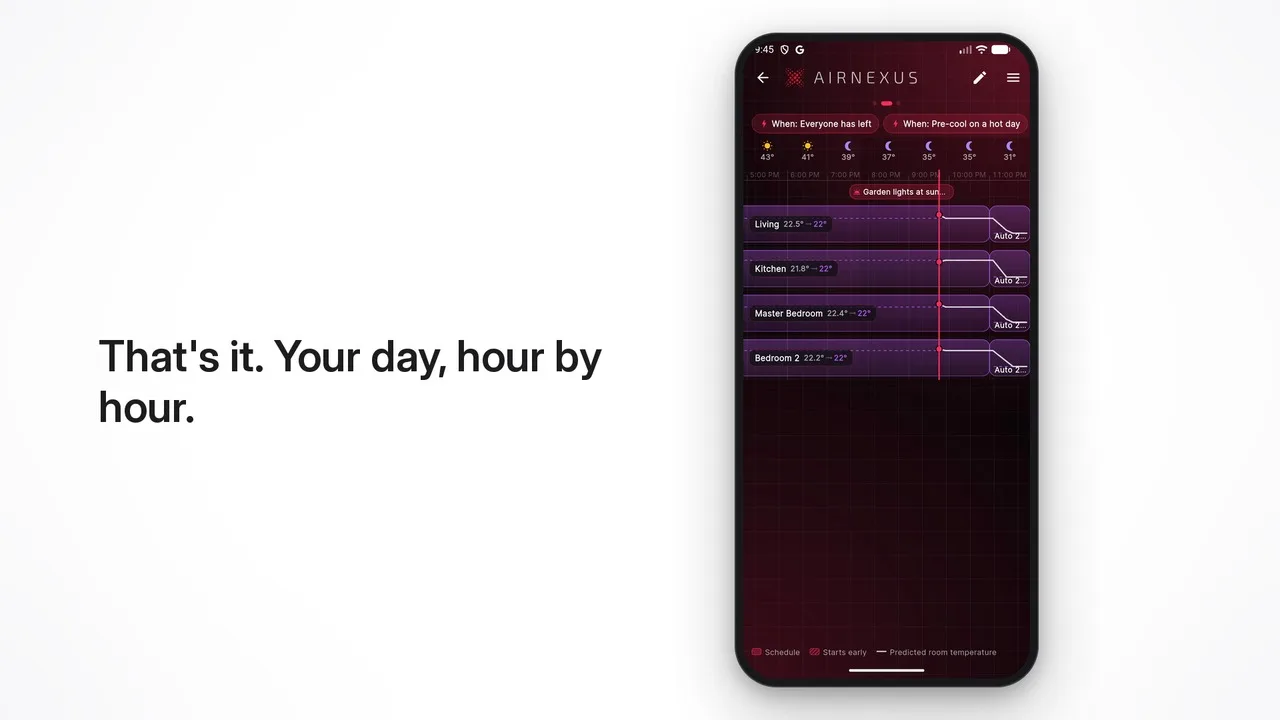
Add the Your day page: today's schedules, automations and weather, and where each room is heading.
Steps
- 1Tap the menu, then Settings.
- 2Tap Display Options.
- 3Turn on Your day timeline.
- 4Tap Pages & order, then Add Your day page.
- 5Go back and swipe to Your day.Today's schedules, automations and weather, and where each room is heading.
Still stuck?Raise a ticket and we'll reply within 1 business day.
Raise a Ticket