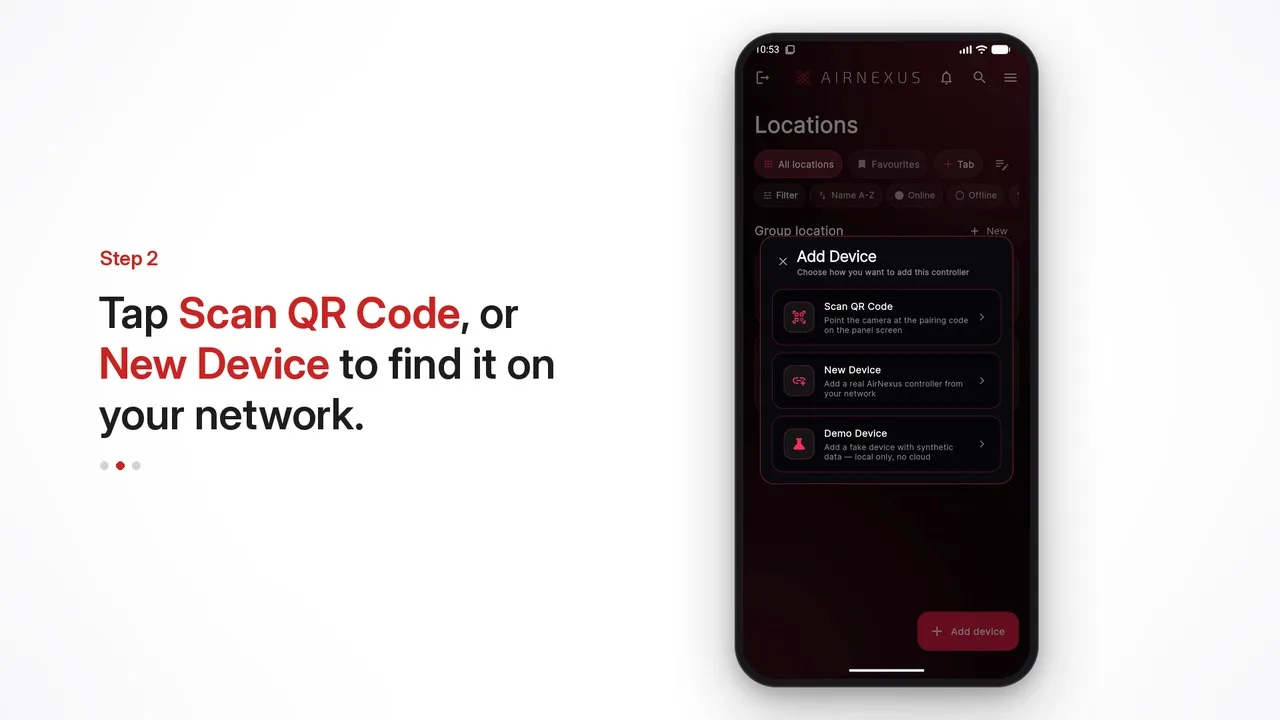
How to add a controller
Every controller0:233 steps
Add a controller by scanning its QR code, or find it on your network.
Steps
- 1On Locations, tap Add device.
- 2Tap Scan QR Code, or New Device to find it on your network.
- 3Scan the panel's code or tap Find, then tap Save.
Still stuck?Raise a ticket and we'll reply within 1 business day.
Raise a Ticket