How to make your own tabs on Locations
Every controller0:314 steps
Make your own tabs on Locations, like Brisbane or Service, and put sites in them.
Steps
- 1On Locations, tap + Tab.
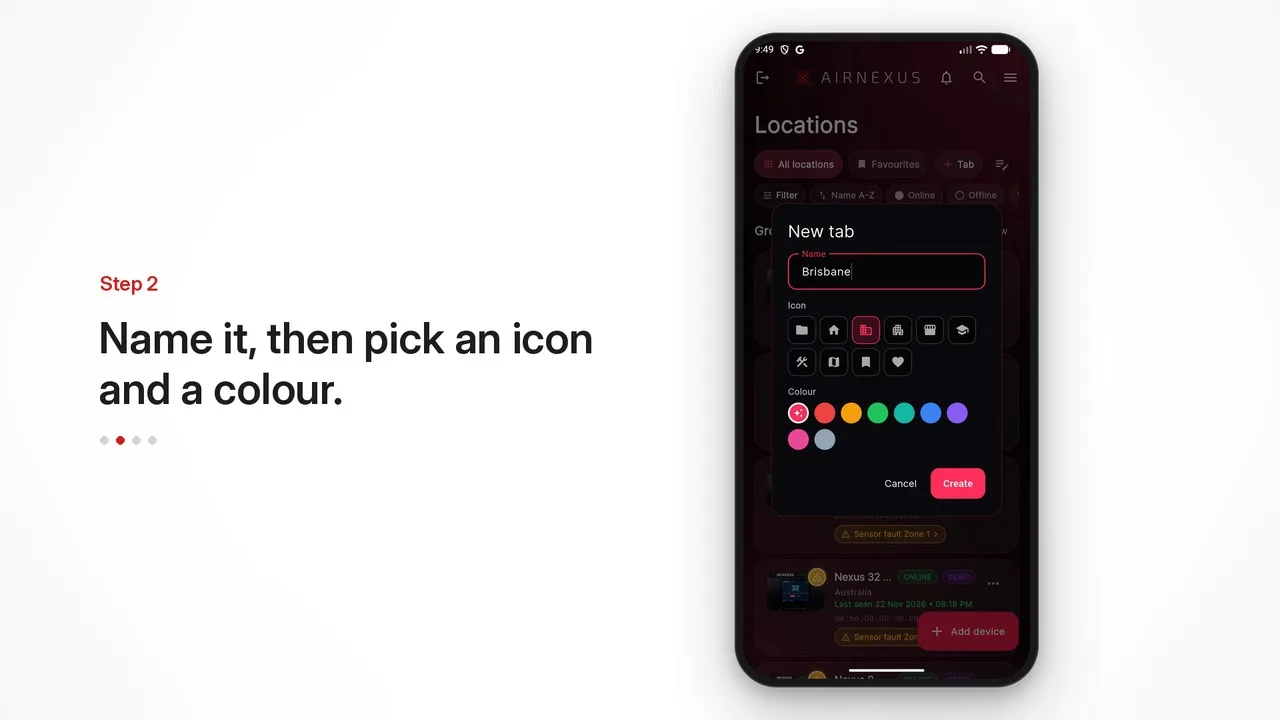
- 2Name it, then pick an icon and a colour.
- 3Tap Create.
- 4To put a site in it, tap the site's three dots, then Add to tab.
Still stuck?Raise a ticket and we'll reply within 1 business day.
Raise a Ticket