How to check a site's alarms
Every controller0:233 steps
Check a site's active and recent alarms from the alert on its Locations card.
Steps
- 1On Locations, tap the alert under a site.
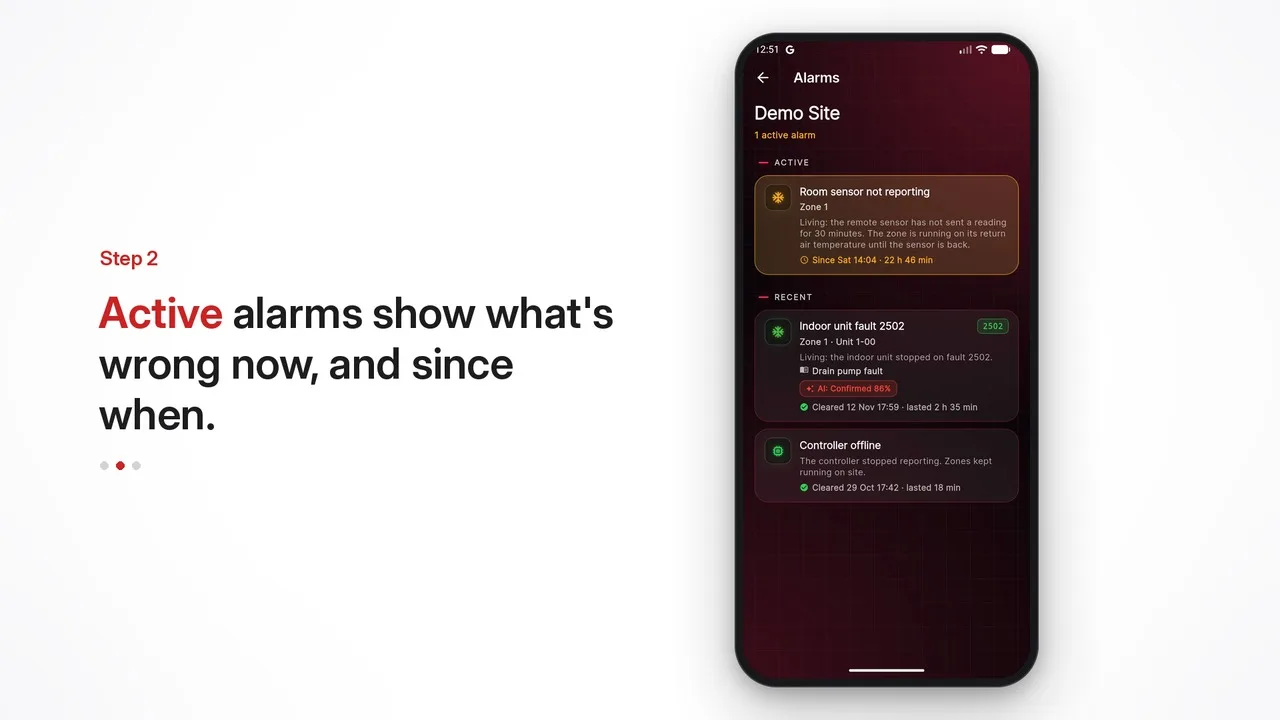
- 2Active alarms show what's wrong now, and since when.
- 3Recent alarms show what happened, and how long it lasted.
Still stuck?Raise a ticket and we'll reply within 1 business day.
Raise a Ticket