 Video coming soon
How to set a schedule
Every controller1:399 steps
Make a preset, then a schedule that runs it on the days and at the time you choose.
Steps
- 1In a zone, open the Schedule tab and tap New Preset.
- 2Tap Create Preset.
- 3Give your preset a name.
- 4Choose the temperature, mode and fan speed.Anything set to Not used stays as it is.
- 5Tap Save Preset.
- 6Go back and tap New Schedule.
- 7Choose the days.Tap a day to add it.
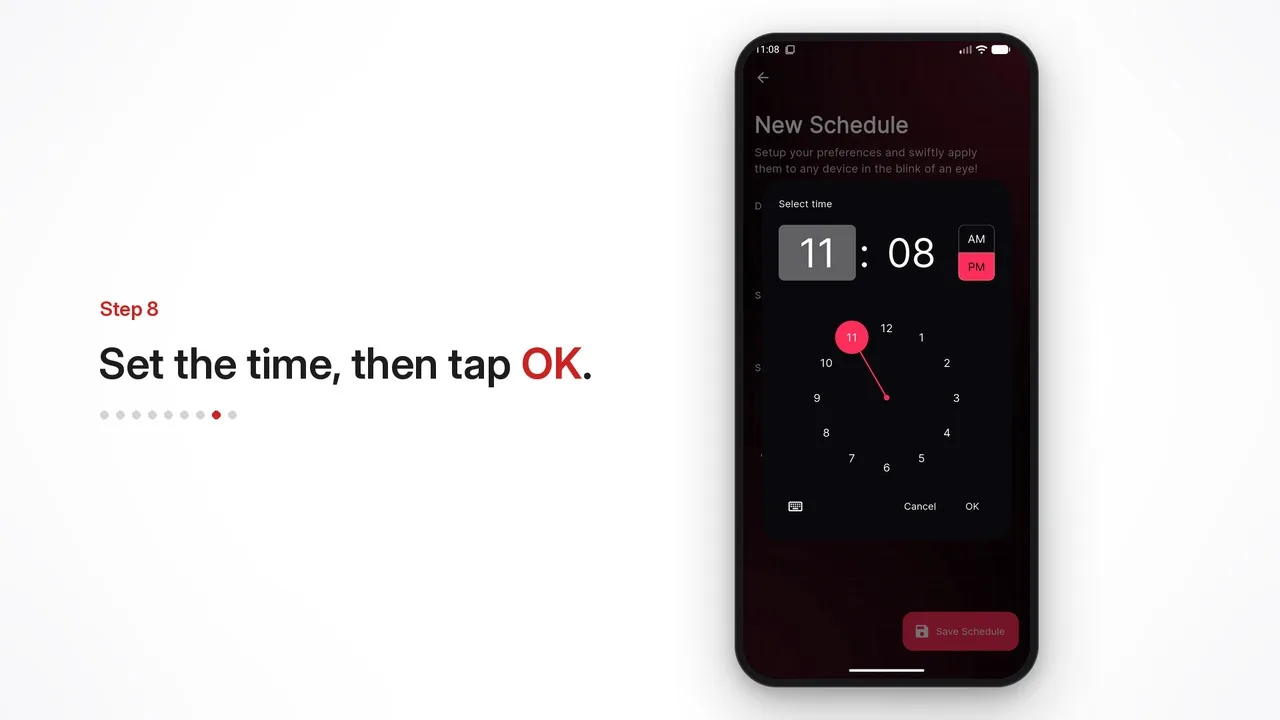
- 8Set the time, then tap OK.
- 9Choose your preset, then tap Save Schedule.Turn on Apply to all zones to use it in every room.
Still stuck?Raise a ticket and we'll reply within 1 business day.
Raise a Ticket