How to use list view
Every controller0:323 steps
Show it on
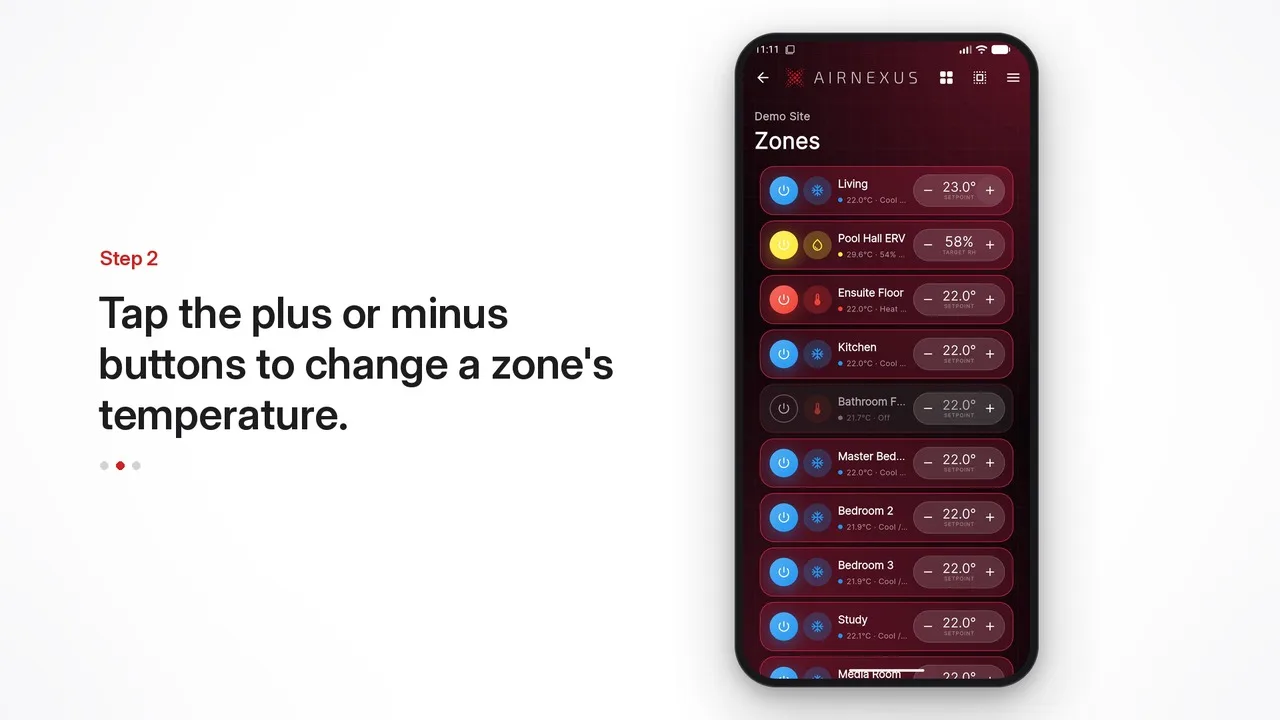
Change the temperature, mode and power of every zone from one list.
Steps
- 1Tap the list icon at the top of the Zones screen.
- 2Tap the plus or minus buttons to change a zone's temperature.
- 3Tap a zone's icons to change its mode, or turn it on or off.
Still stuck?Raise a ticket and we'll reply within 1 business day.
Raise a Ticket