 Video coming soon
How to record a scene
Every controller0:576 steps
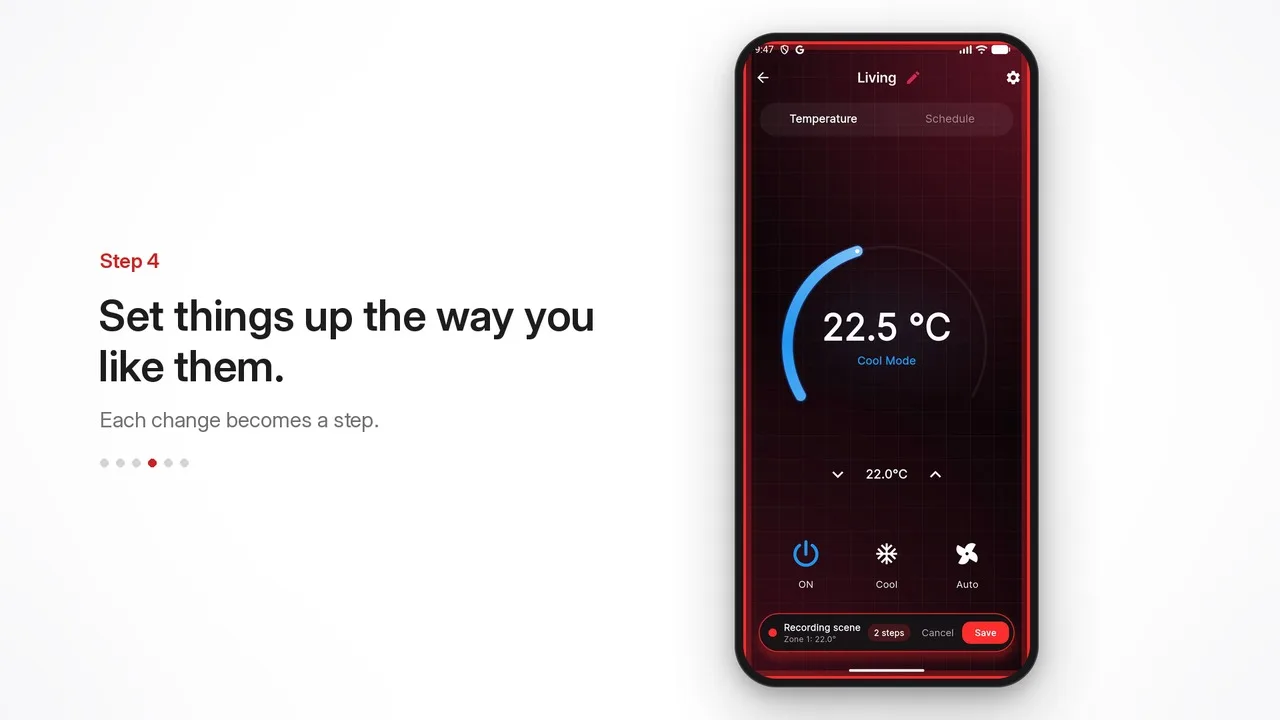
Make a scene by setting things up the way you like them: every change becomes a step you can run again.
Steps
- 1In Settings, tap Automations.Settings is in the menu on the Zones screen.
- 2Tap Scenes, then Record scene.
- 3Tap Start recording.Nothing is sent while you record.
- 4Set things up the way you like them.Each change becomes a step.
- 5Tap Save on the red bar.
- 6Name it, pick an icon, then tap Save.It's saved under Scenes, ready to run.
Still stuck?Raise a ticket and we'll reply within 1 business day.
Raise a Ticket