How to see your alarms
Zonelite0:283 steps
See what's wrong now and what went wrong recently, and how long each alarm lasted.
Steps
- 1In Settings, tap Alarms.Settings is in the menu on the Zones screen.
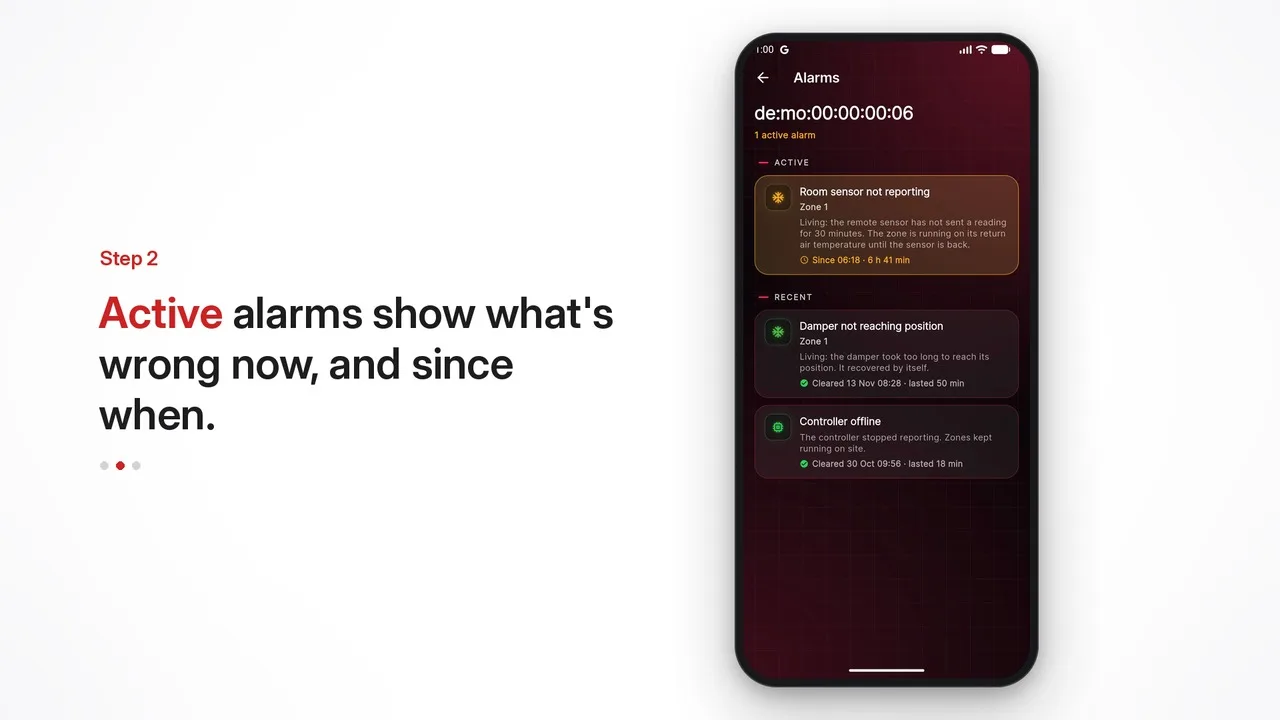
- 2Active alarms show what's wrong now, and since when.
- 3Recent alarms show what happened, and how long it lasted.
Still stuck?Raise a ticket and we'll reply within 1 business day.
Raise a Ticket