How to see who changed a zone
Every controller except Zonelite0:343 steps
Show it on
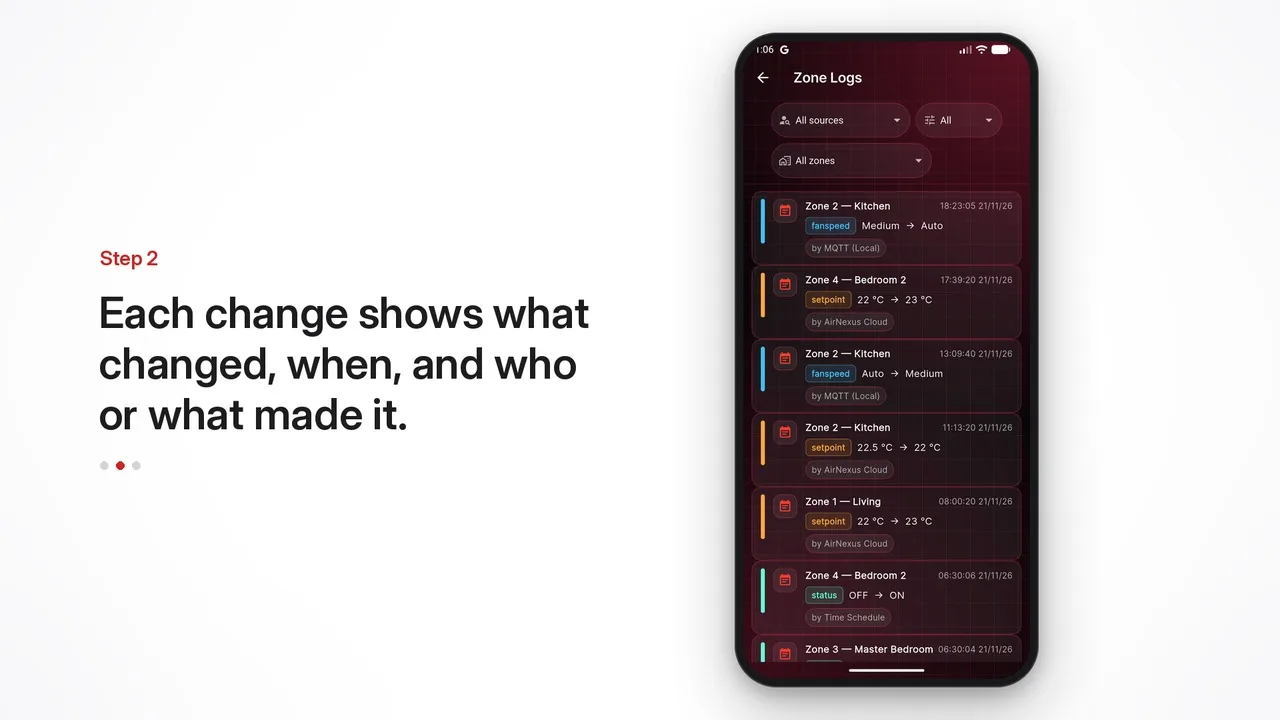
See every change to your zones: what changed, when, and who or what made it.
Steps
- 1In Settings, tap Zone Logs.Settings is in the menu on the Zones screen.
- 2Each change shows what changed, when, and who or what made it.
- 3Tap All zones to see just one room.
Still stuck?Raise a ticket and we'll reply within 1 business day.
Raise a Ticket