Getting started
Every controller0:366 steps
Find your sites on Locations, keep your favourites close, and open a site to control it.
Steps
- 1Locations shows all your sites in one place.Each card shows if it's online and when it was last seen.
- 2Filter by online or offline, or sort by name, to find a site fast.
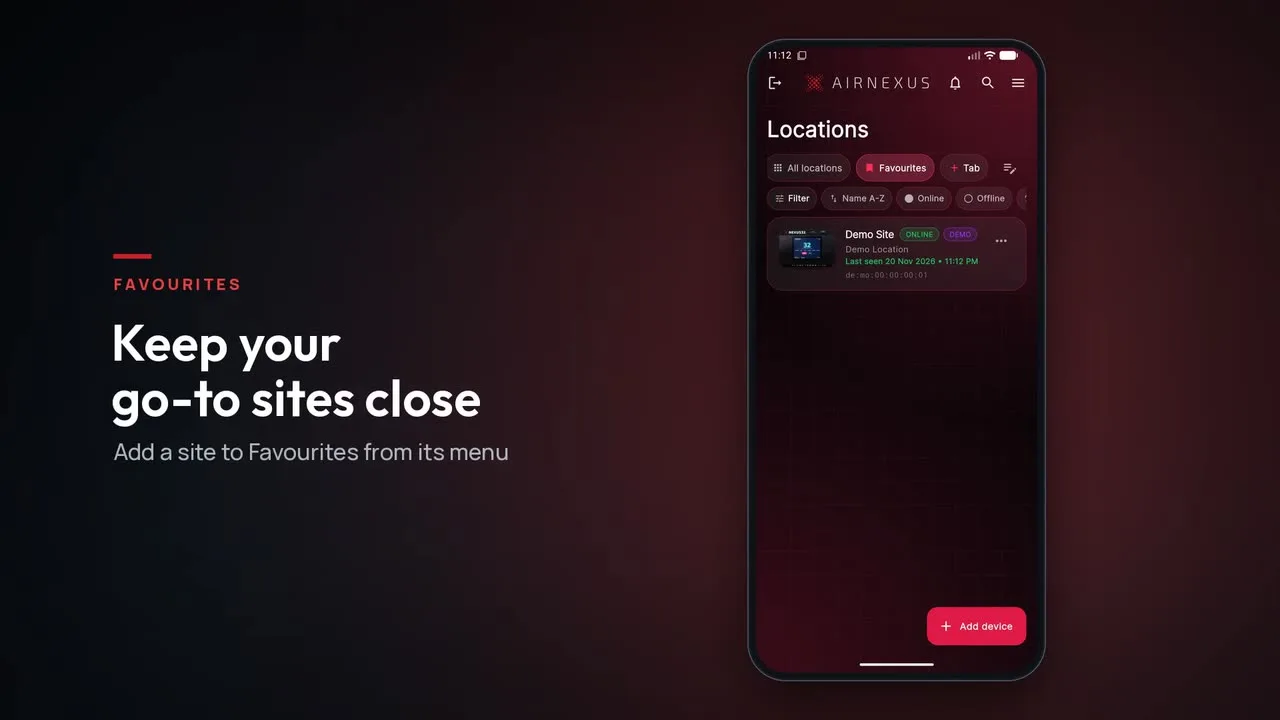
- 3Add a site to Favourites from its menu.
- 4Location view sets your start page, sort order and what appears.
- 5The bell keeps your alarm and automation alerts for 30 days.
- 6Tap a site to control its zones.
Still stuck?Raise a ticket and we'll reply within 1 business day.
Raise a Ticket