How to add holidays and days away
Every controller0:405 steps
Set your state so its public holidays count, and add the days you're away.
Steps
- 1In Settings, tap Automations.Settings is in the menu on the Zones screen.
- 2Tap the settings icon at the top.
- 3Under Calendar, tap State or territory and choose yours.Your state's public holidays then count.
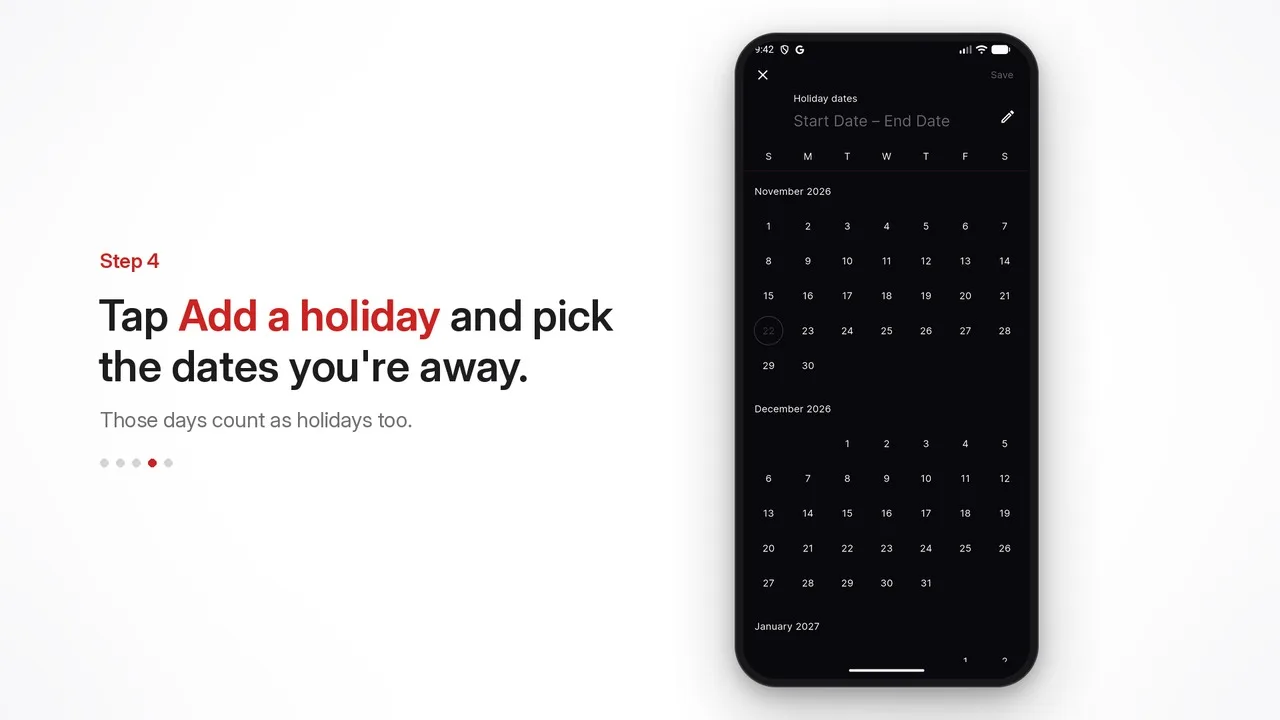
- 4Tap Add a holiday and pick the dates you're away.Those days count as holidays too.
- 5Tap Save.
Still stuck?Raise a ticket and we'll reply within 1 business day.
Raise a Ticket